AI Fluency Mock Interview
Last updated: April 22, 2026
The AI Fluency mock interview uses an AI-powered, voice-based interviewer to conduct fully autonomous AI fluency interviews. The interview mirrors real-world interview structure and rigor. It provides structured, unbiased feedback to help you evaluate your performance.
Prerequisites
Before you begin, ensure you have the following:
Stable internet connection
Working microphone
Quiet, distraction-free environment
Taking AI Fluency mock interview
To take the AI Fluency Interview:
Log in to HackerRank Community using your credentials.
Go to the Prepare tab.
Locate the AI Fluency card under the AI-powered Mock Interviews section.
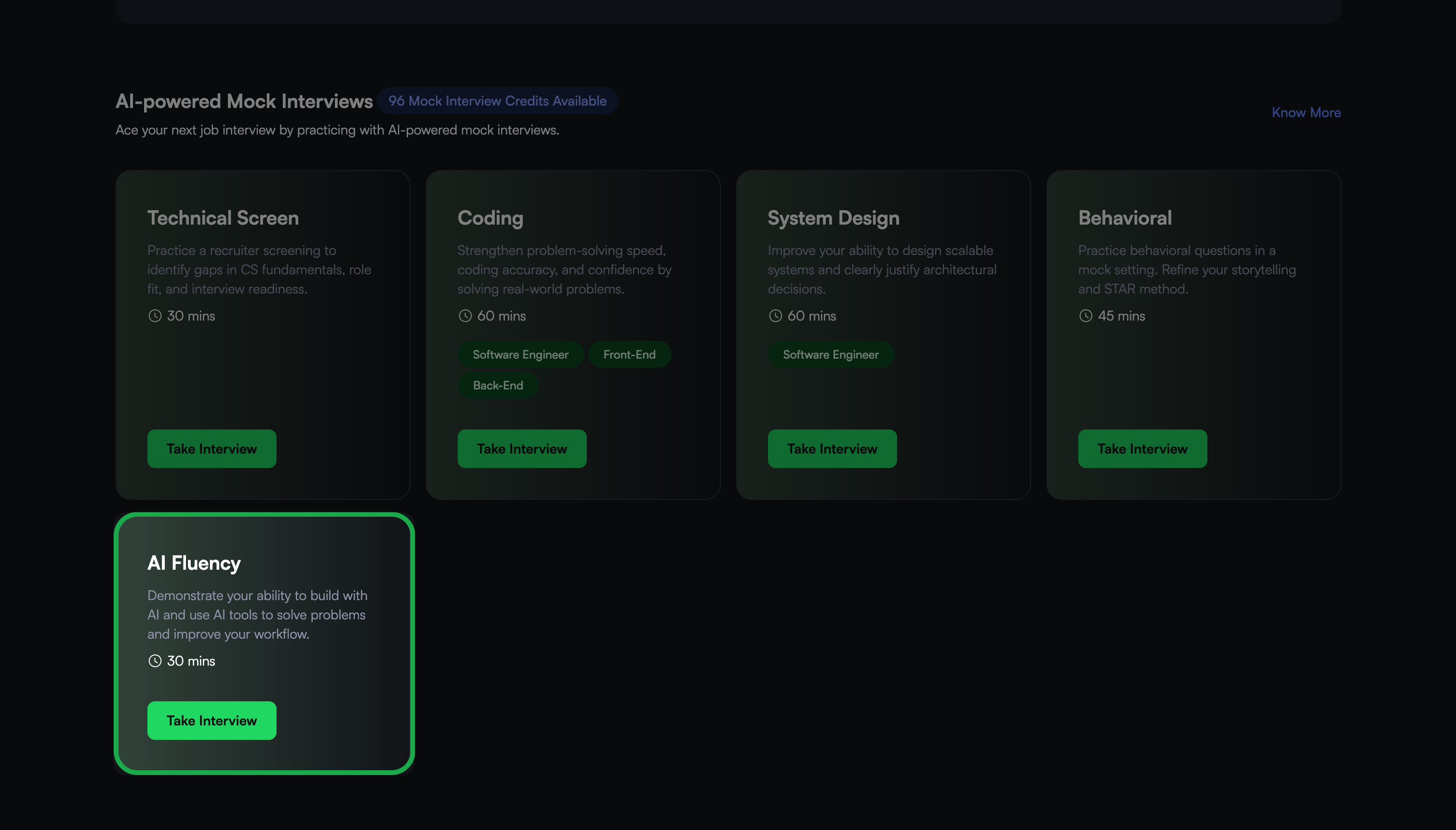
Click Take Interview.
Click Start Interview.
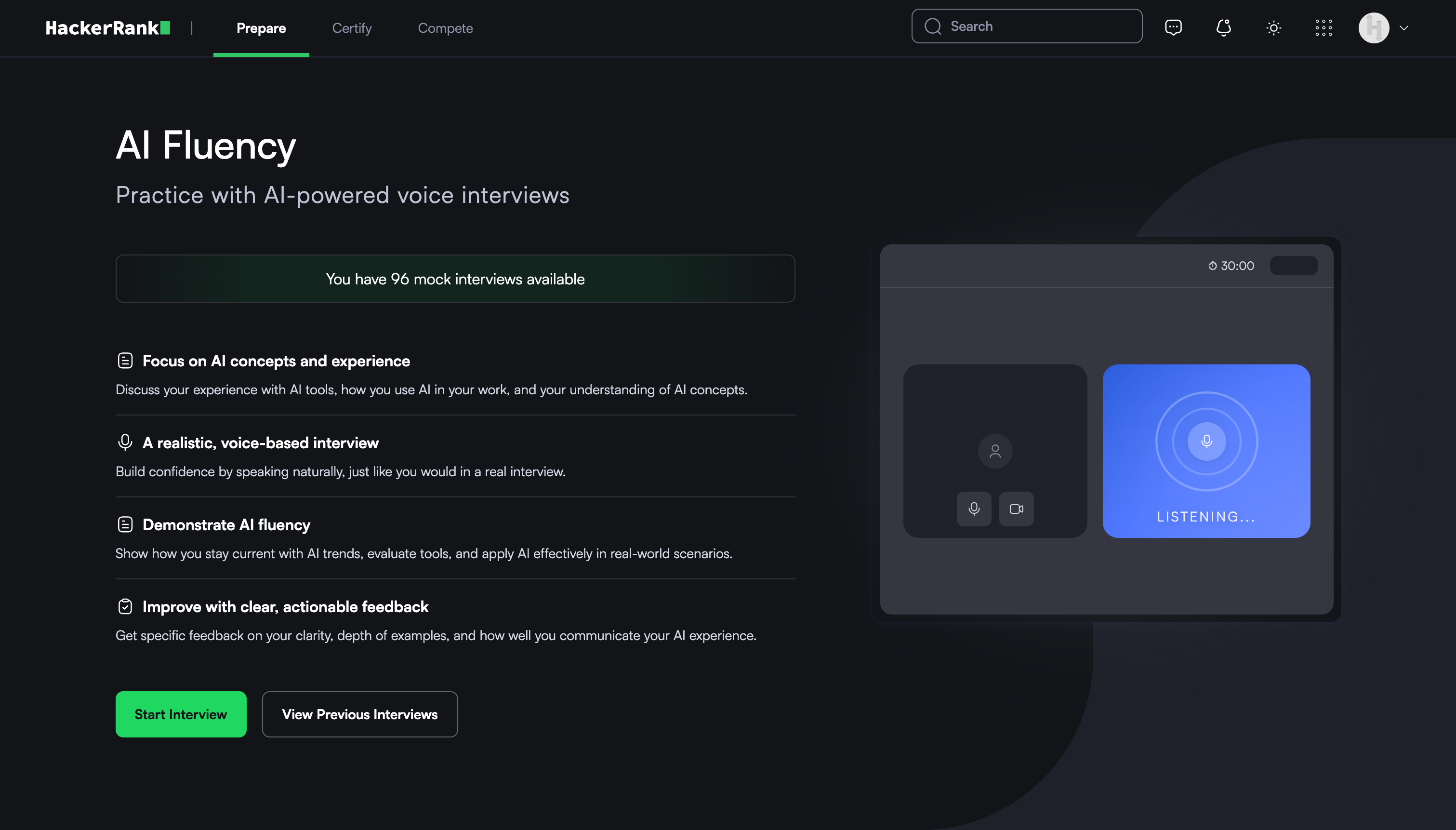
Note: Check the banner to confirm available mock interview attempts. If needed, purchase additional credits. For more information, refer to the 📄 Purchase Mock Interview Credits.
Allow the browser to access your camera and microphone when prompted.
In the Audio & Camera Settings, review and adjust your microphone, speaker, and camera.
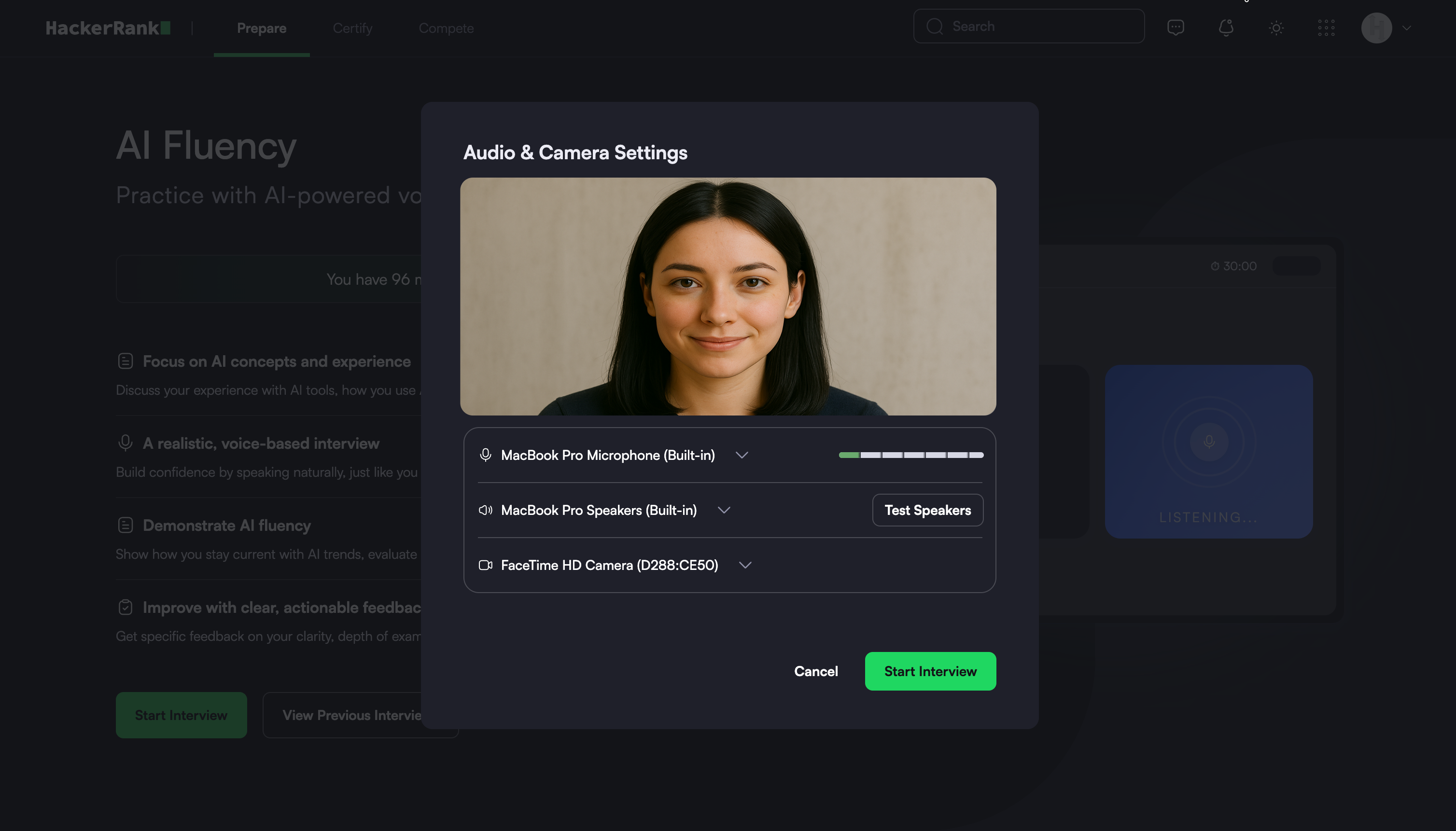
Note: Select Test Speakers to verify your audio.
Click Start Interview. The system redirects you to the interview interface.
Interview experience
At the start of the interview, the AI Interviewer:
Introduces the interview
Explains the interview flow
Describes the topics it will cover
Answers any questions before the interview begins
During the interview, the AI Interviewer:
Asks questions related to AI concepts, use cases, and problem-solving.
Asks follow-up questions based on your responses
Explores topics in more depth when needed
Maintains a natural and interactive conversation
You can view the remaining interview time in the upper-right corner of the screen.
Interview controls
During the interview, you can use the following controls:
Microphone: Mute or unmute your microphone using the microphone icon.
Self-view: Show or hide your video using the video icon.
Transcript: Show or hide the interview transcript
Ending an interview
When the interview concludes, the AI interviewer confirms that you are ready to end the session. The AI interviewer then ends the interview.
Alternatively, you can end the interview manually.
To end the interview manually:
Click End interview in the upper-right corner of the interview screen.
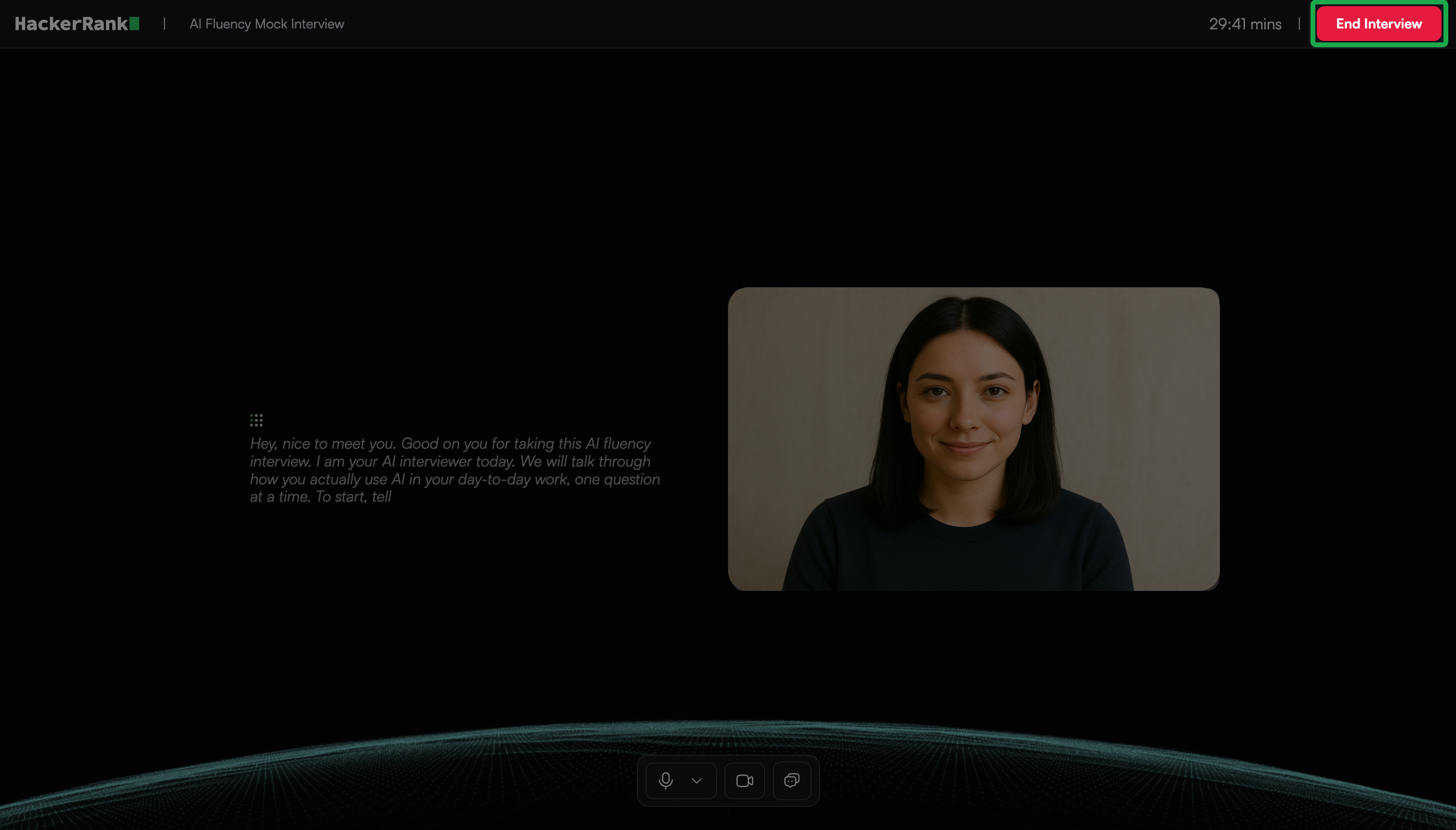
In the confirmation dialog, click End.
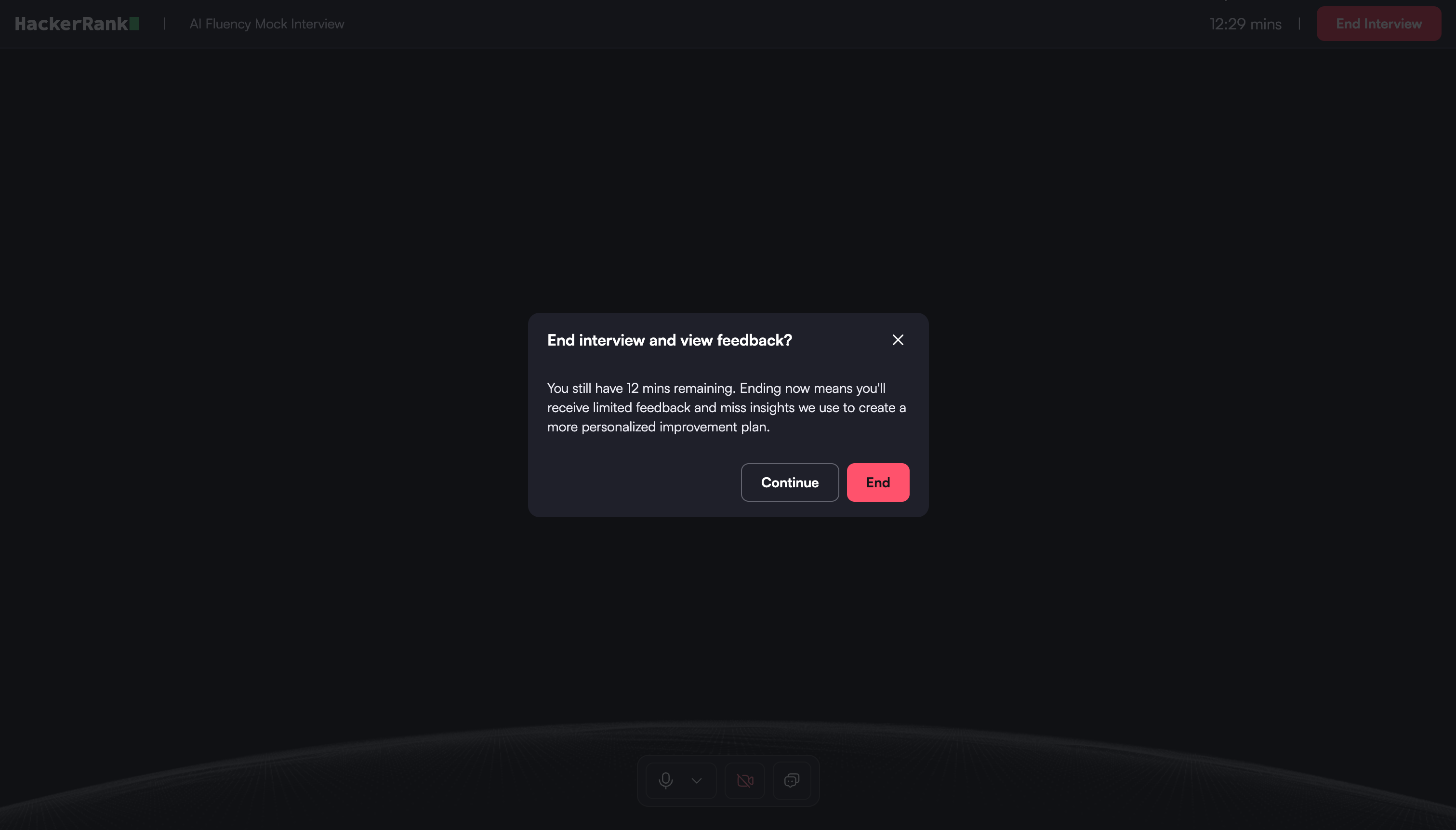
The system redirects you to the feedback report page.
Feedback report
After you complete the interview, the system generates a feedback report.
The report summarizes your AI interview and organizes evidence and feedback so you can quickly evaluate your performance.
You can use the report to review recommendations, interview responses, and section-level feedback in one place.
Feedback report components
The report includes the following components:
Overall recommendation: The report assigns an overall recommendation to summarize your performance across all interview sections.
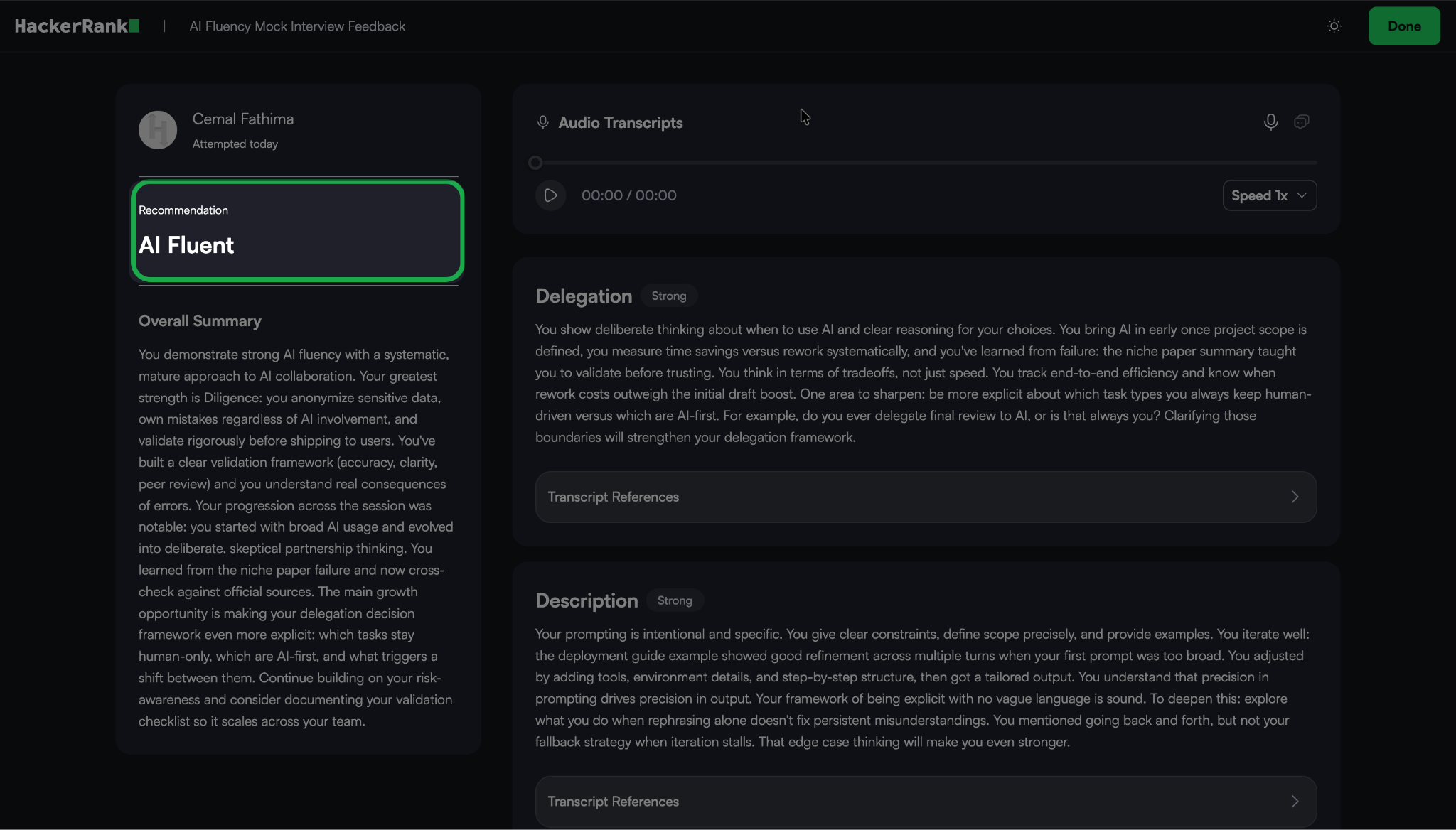
Overall summary: A short summary explains the hiring recommendation. It highlights your key strengths and areas for improvement.
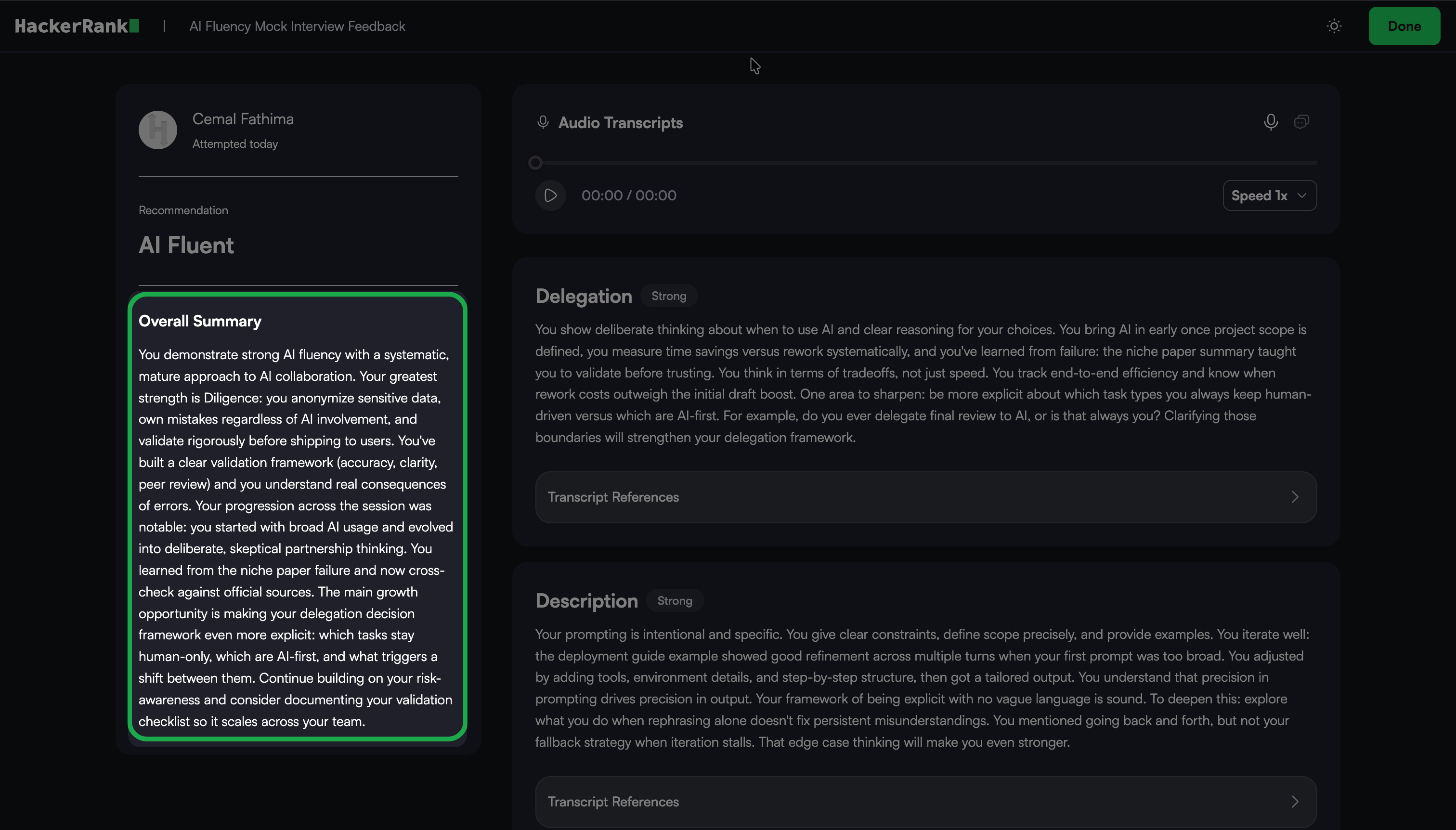
Interview Recording and Transcript: The report includes a full interview recording with a synchronized transcript.
You can: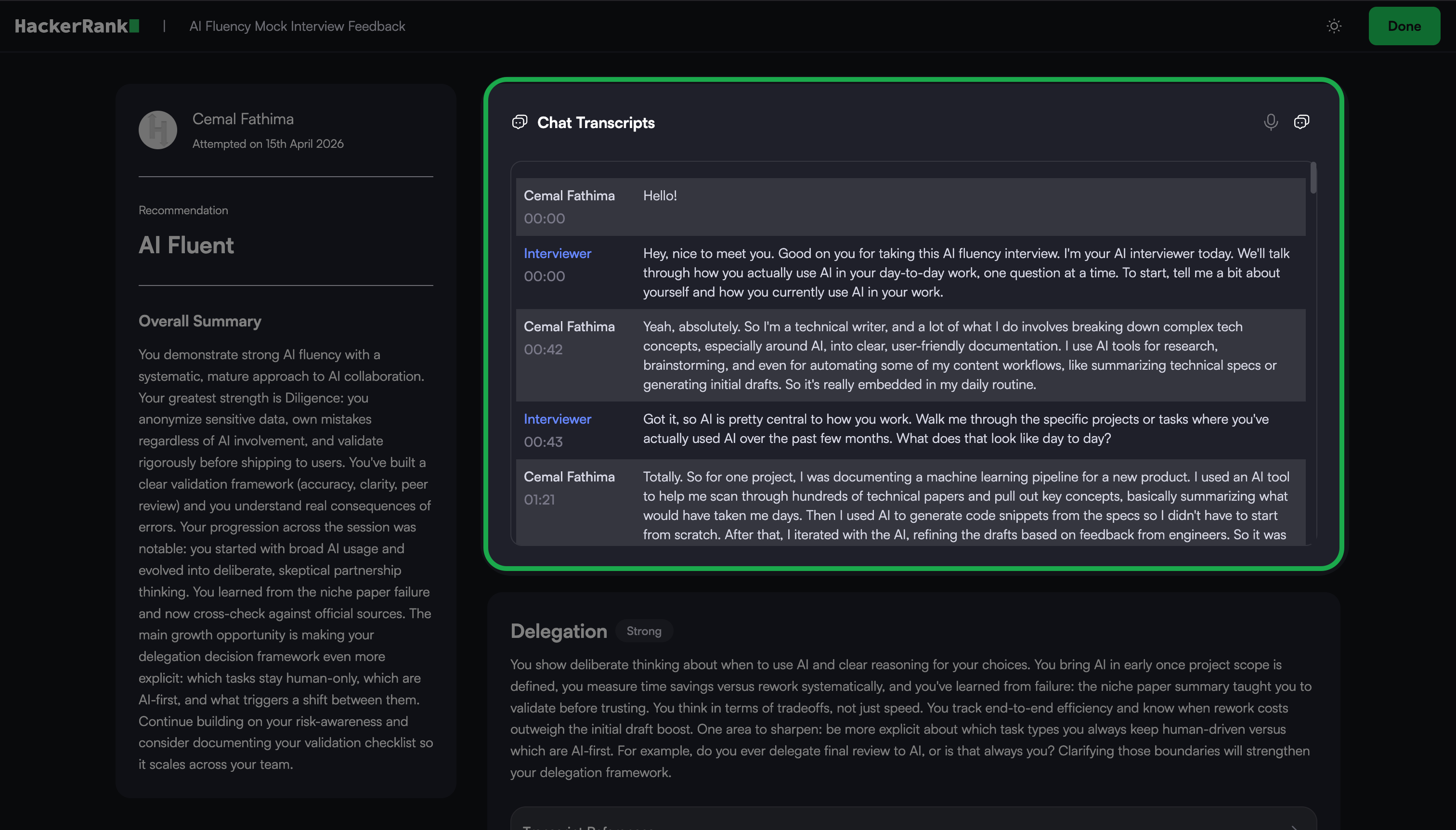
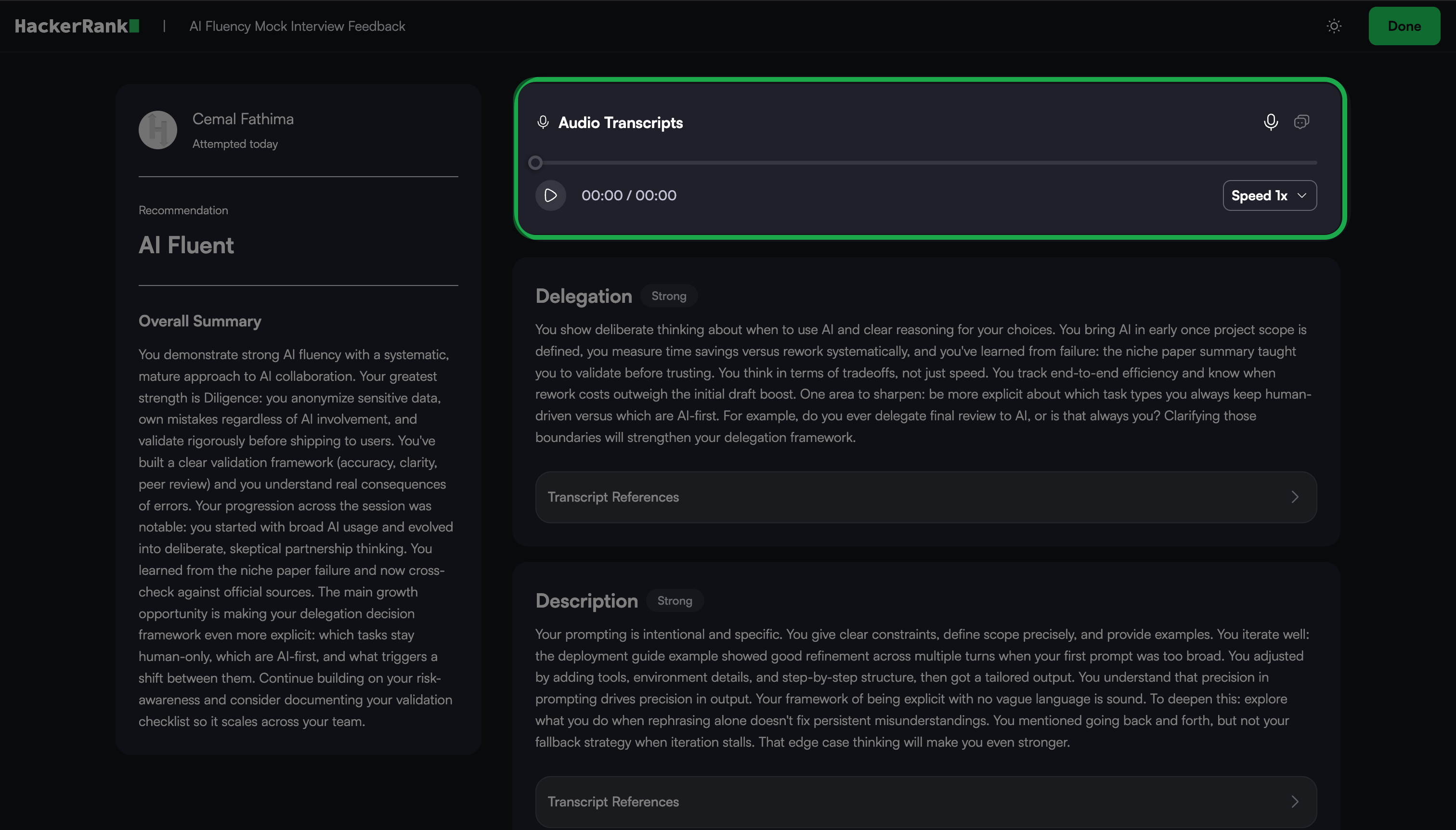
Switch between recording and transcript views
Play, pause, and scrub the timeline
Adjust playback speed
Review responses alongside timestamps and speaker labels
Section-based feedback: The report organizes feedback by interview section.
Each section includes: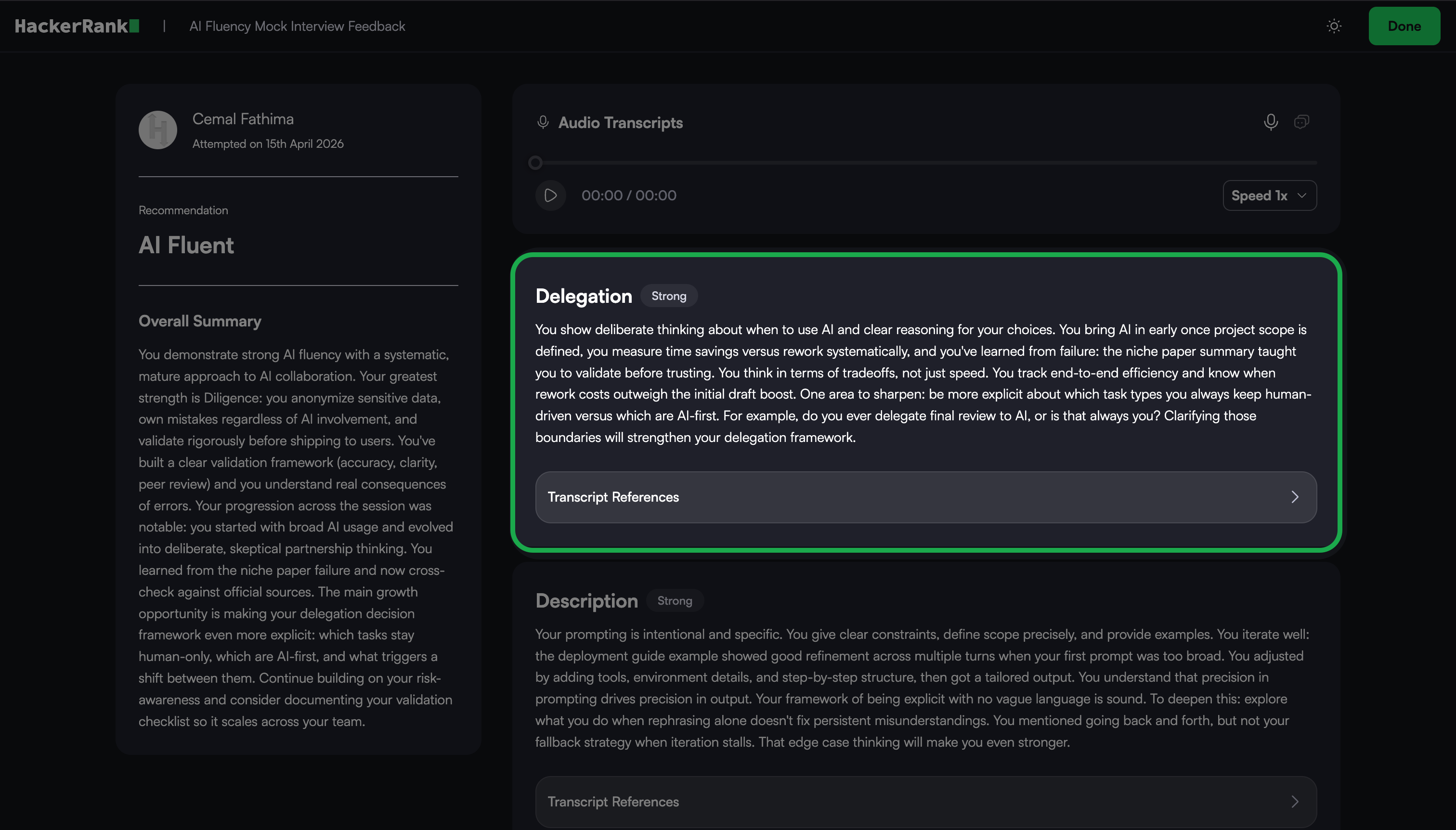
A rating
A short narrative that describes your performance in that area
A transcript reference
Use the section-based feedback to understand your strengths and gaps in detail.
Viewing previous attempts
To view your previous AI Fluency mock interviews:
Go to the Prepare tab.
Locate the AI Fluency card under the AI-powered Mock Interviews section.
Click Take Interview.
Click View Previous Interviews.
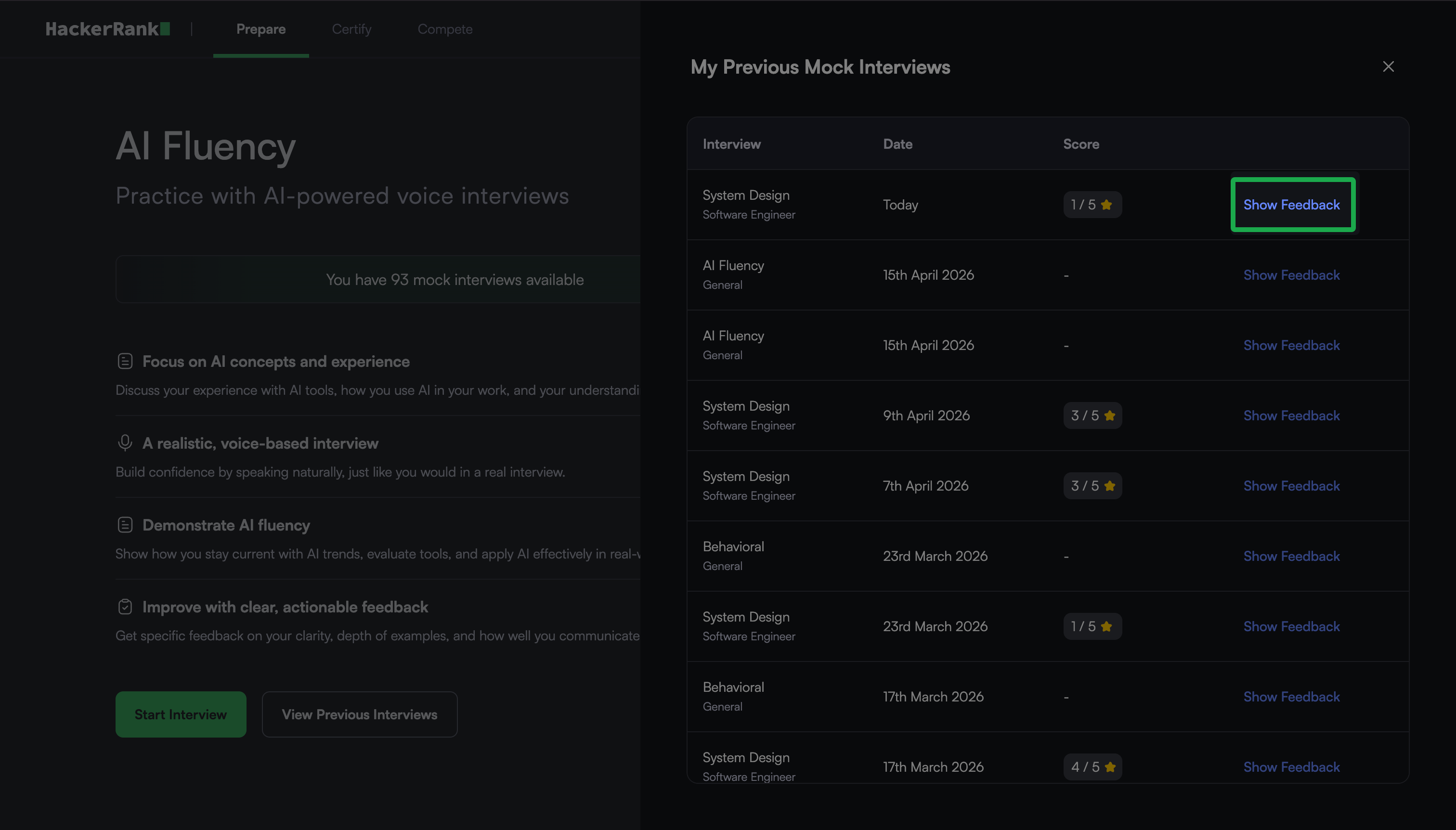
The My Previous Mock Interviews dialog displays a list of your previous mock interviews, including the date and score for each.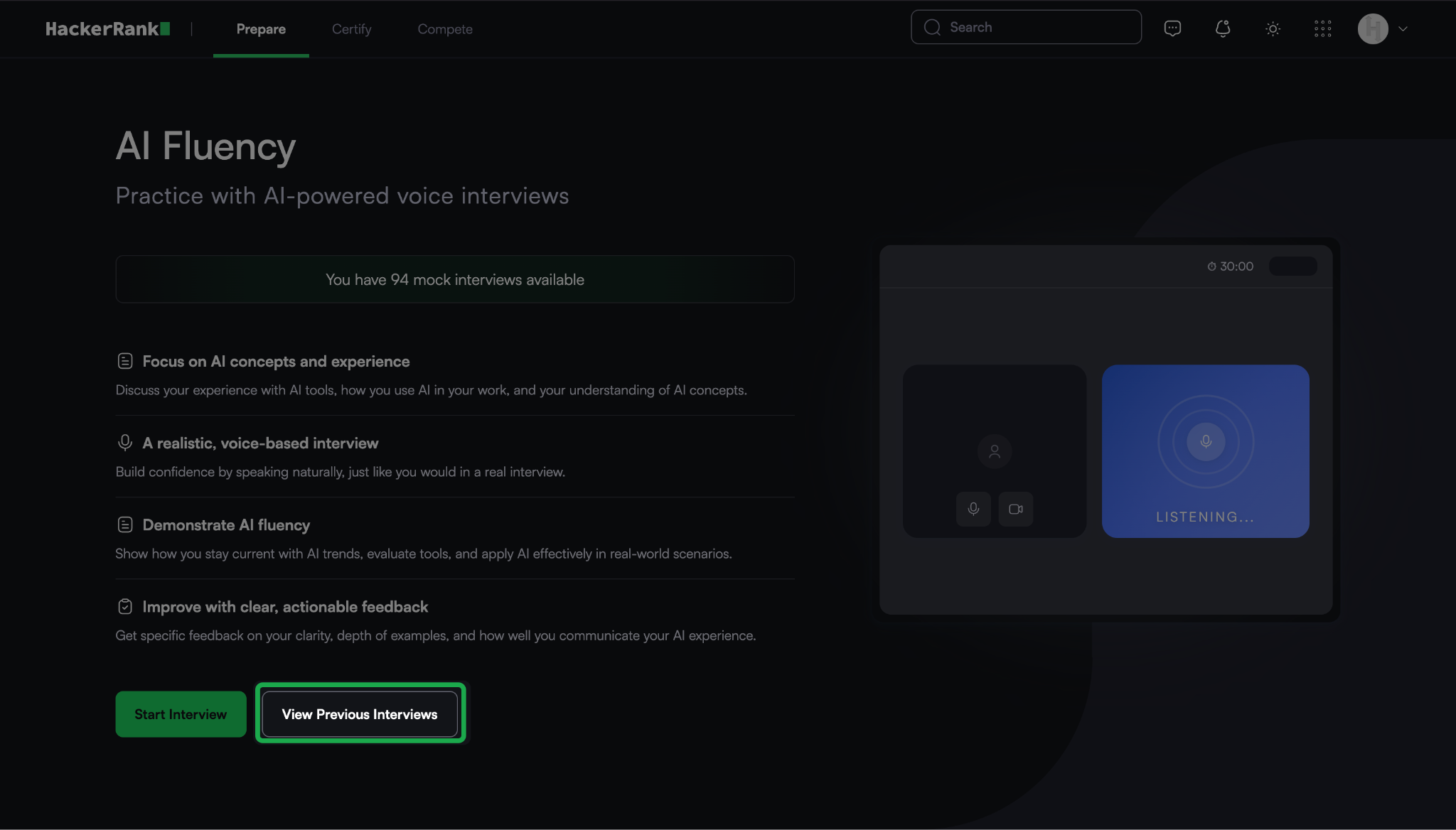
Click Show Feedback next to an attempt to view the detailed feedback report.