Add or Delete Links
Last updated: October 30, 2025
You can add or remove links to your professional profiles, such as LinkedIn, GitHub, or portfolio websites, on your HackerRank Community profile.
Adding links
To add links to your profile:
Log in to HackerRank Community using your credentials.
Click your profile icon in the top-right corner.
Select Profile from the drop-down menu.
In the Links section, click Add Links.
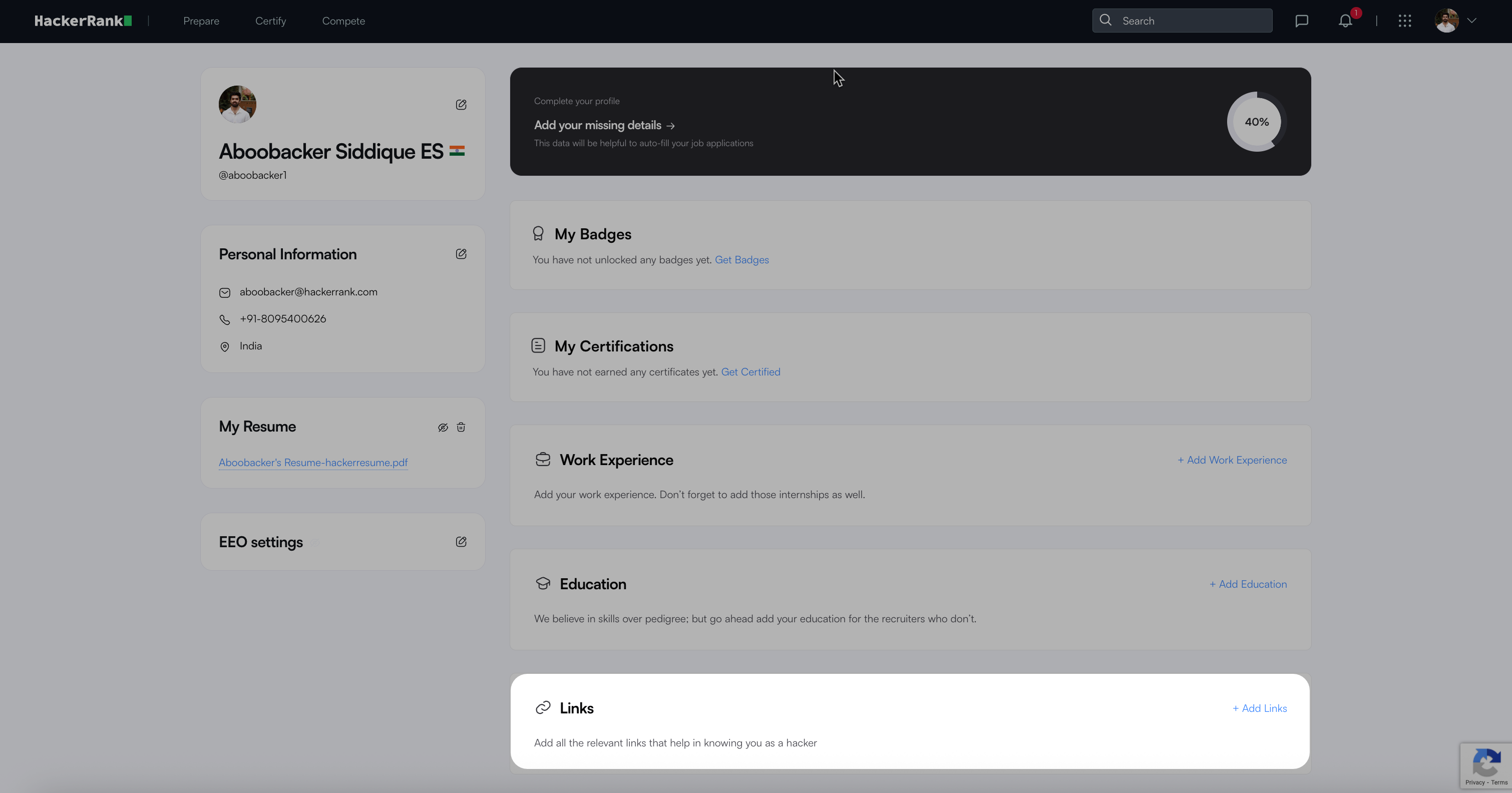
Enter the URLs in the default fields (LinkedIn, GitHub, or Portfolio).
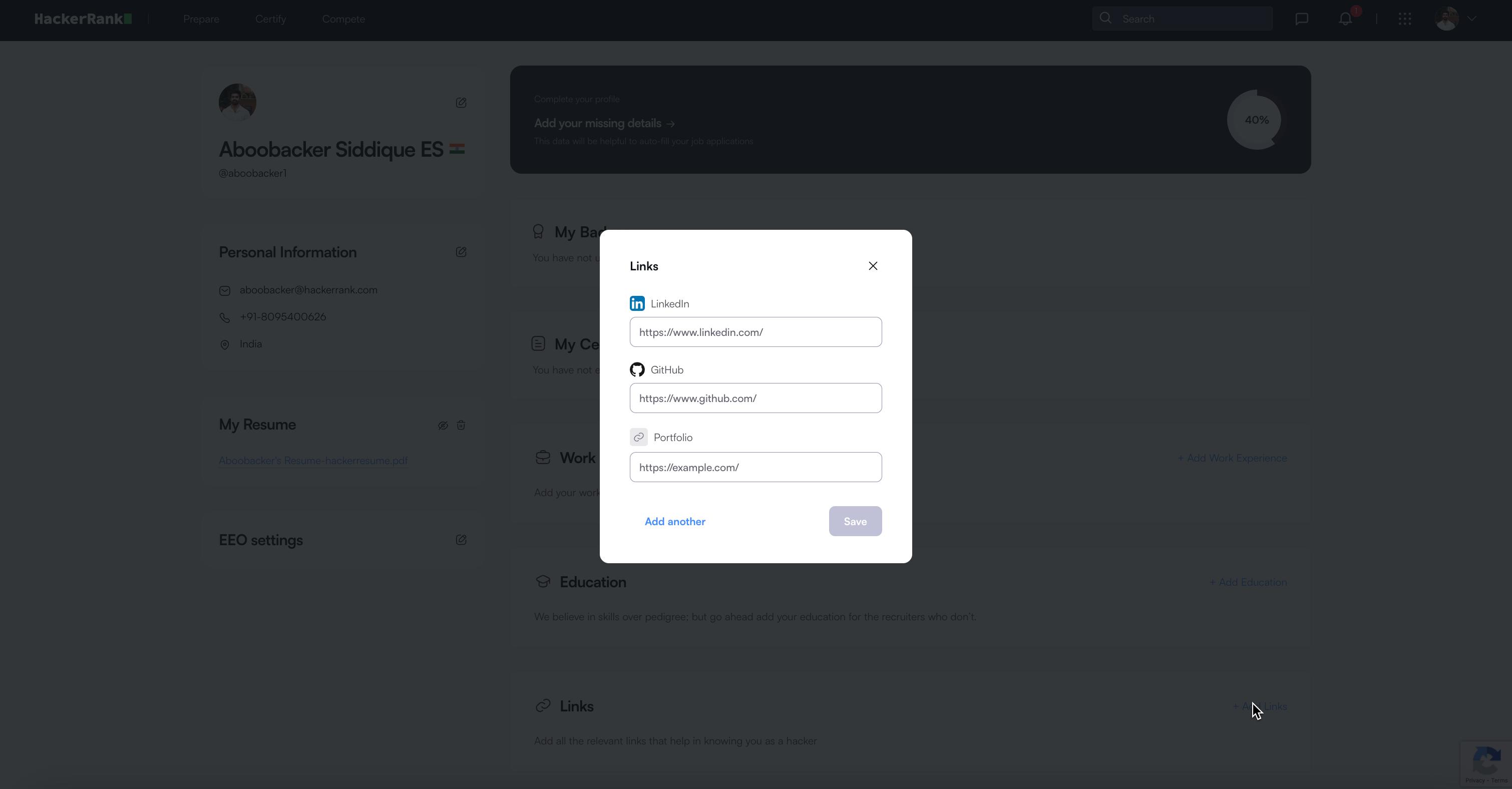
(Optional) Click Add another to include custom links.
Select the type of link from the drop-down list and enter the URL.
Click Save to apply your changes.
Deleting links
To delete a link from your profile:
Click your profile icon in the top-right corner.
Select Profile from the drop-down menu.
In the Links section, click Add Links.
For default fields (LinkedIn, GitHub, or Portfolio), delete the URL using Backspace.
For custom links you added, click the delete icon next to the link.
Click Save to confirm the changes.