HackerRank Earn
Last updated: October 28, 2026
HackerRank Earn offers paid development opportunities in HackerRank Community. You can use the Earn tab to explore tasks, apply for them, and track your applications. Tasks include building applications and creating tasks for coding agents.
Note: Access to Earn is currently available by invitation only to top performers in HackerRank Orchestrate.
Prerequisites
Before you begin, ensure you have the following:
HackerRank Community account
Invitation to Earn tab
Discord account
Upwork account
Applying for a task
You can apply for any number of open tasks at a time.
To apply for a task:
Log in to your HackerRank account.
Go to Earn > Explore Tasks.
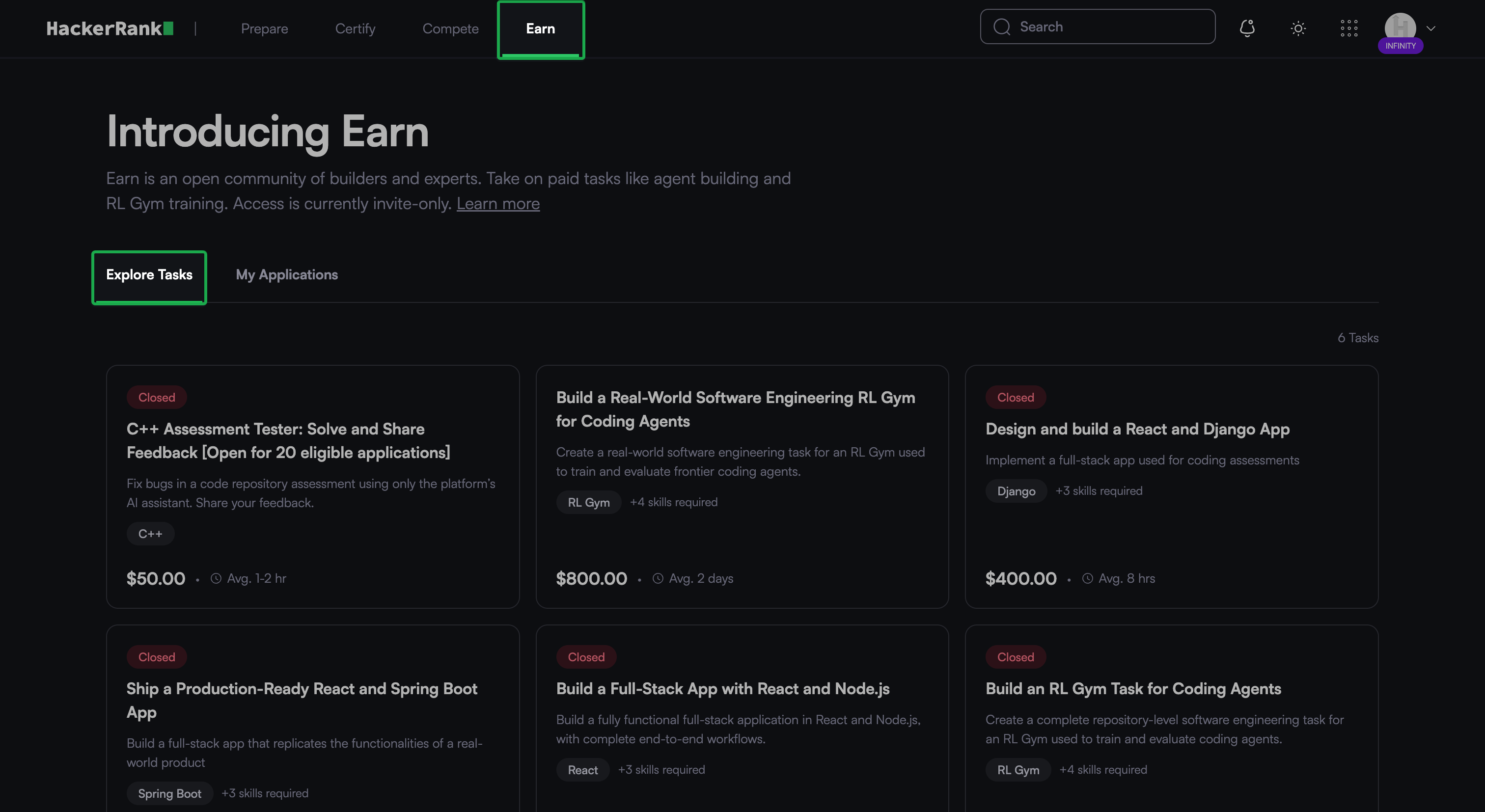
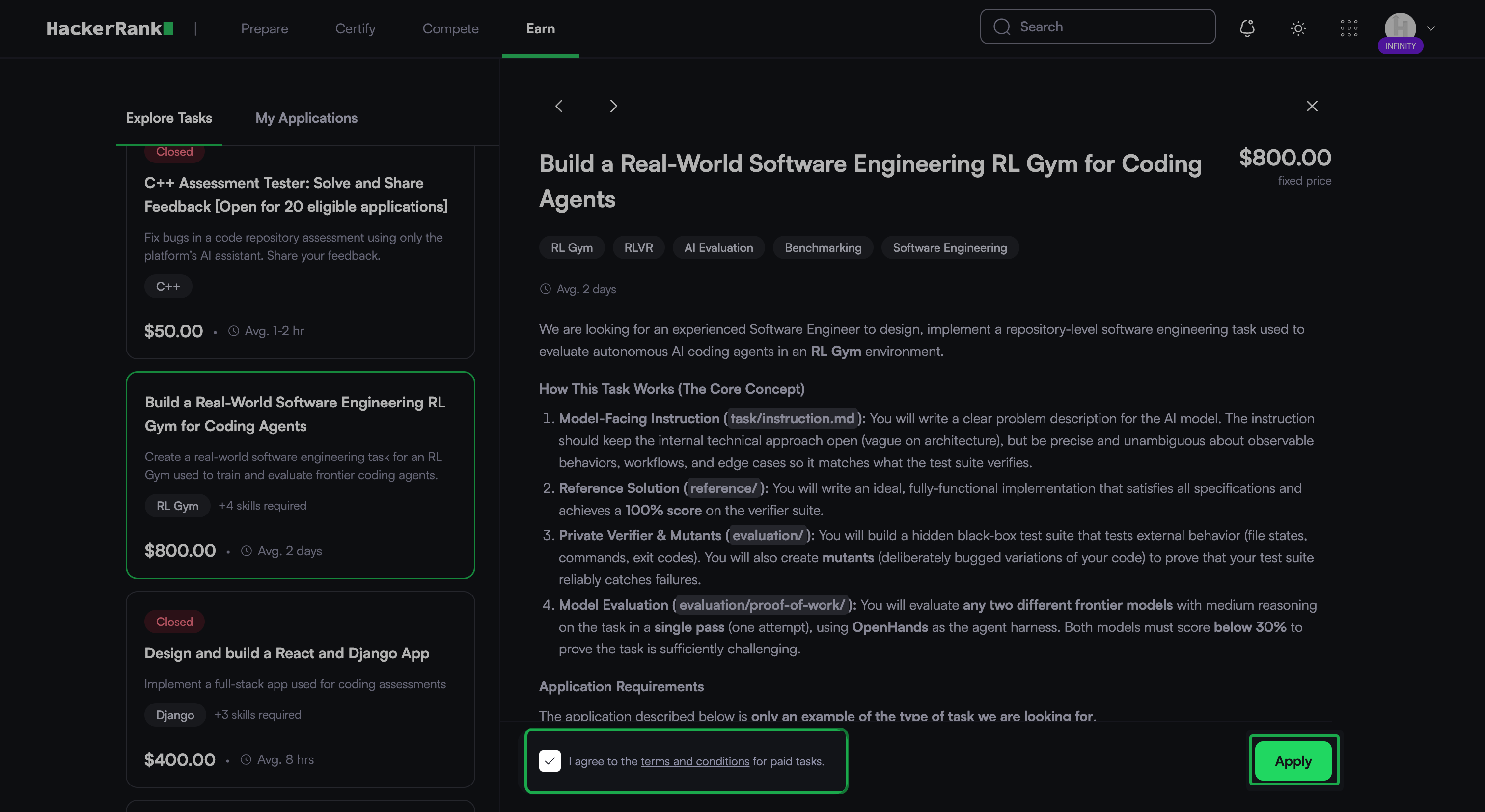
Click the task that you want to apply for.
Review the task details and requirements.
Select the terms and conditions checkbox.
Click Apply.
After you apply, click Join the Discord channel. You can use this channel for all task coordination, questions, and reviews with the task owner.
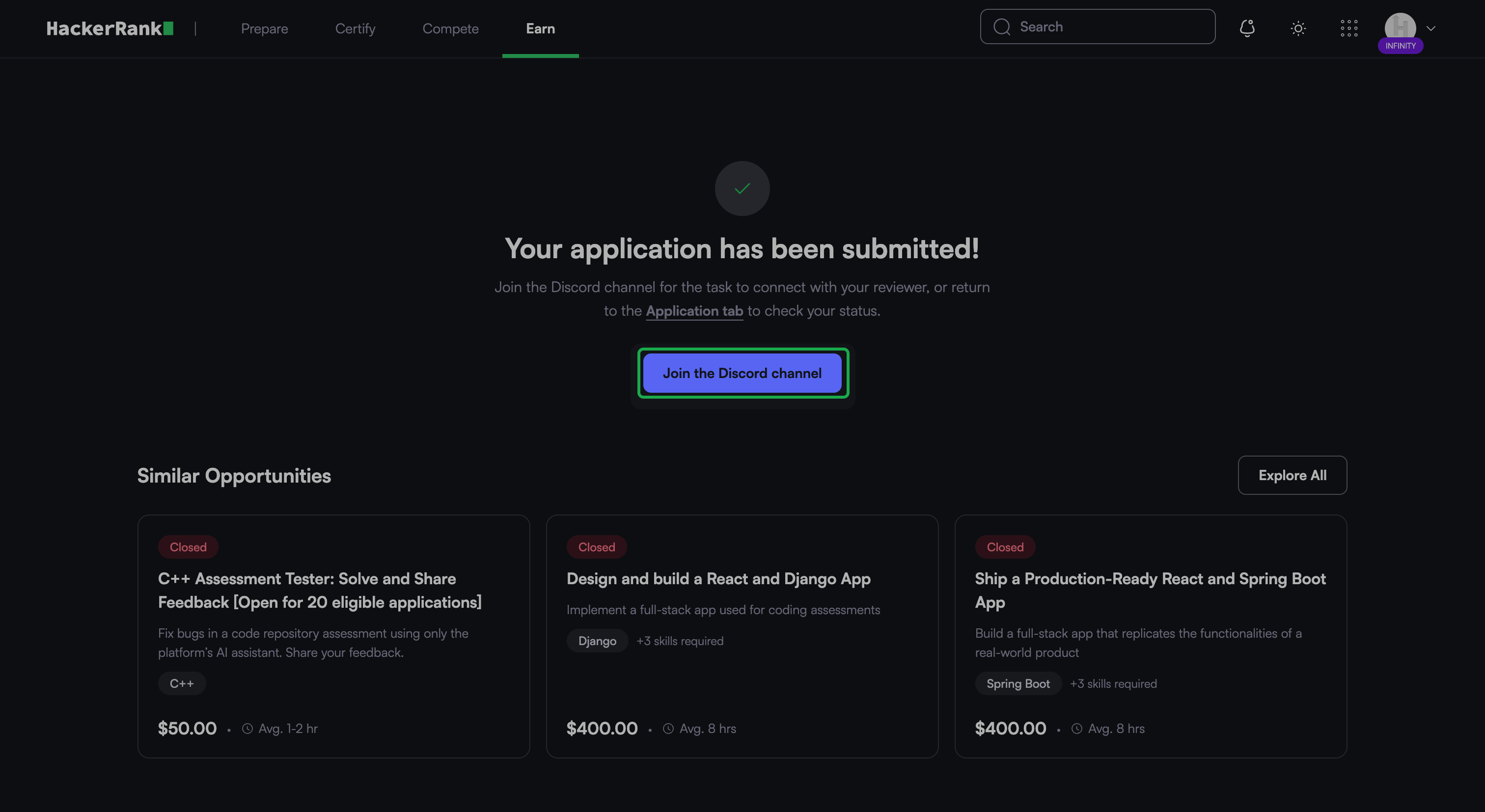
Note: Submit your work within seven days of applying. HackerRank automatically withdraws your application if you miss the deadline.
Submit your task
After you complete the task, submit a link to your work from the application details page. You can submit a link to a public GitHub repository or a live website. Make sure the task owner and other reviewers can access your work.
Note: Follow the submission requirements in the task details. Some tasks require a private GitHub repository with collaborator access for the task owner.
To submit your task:
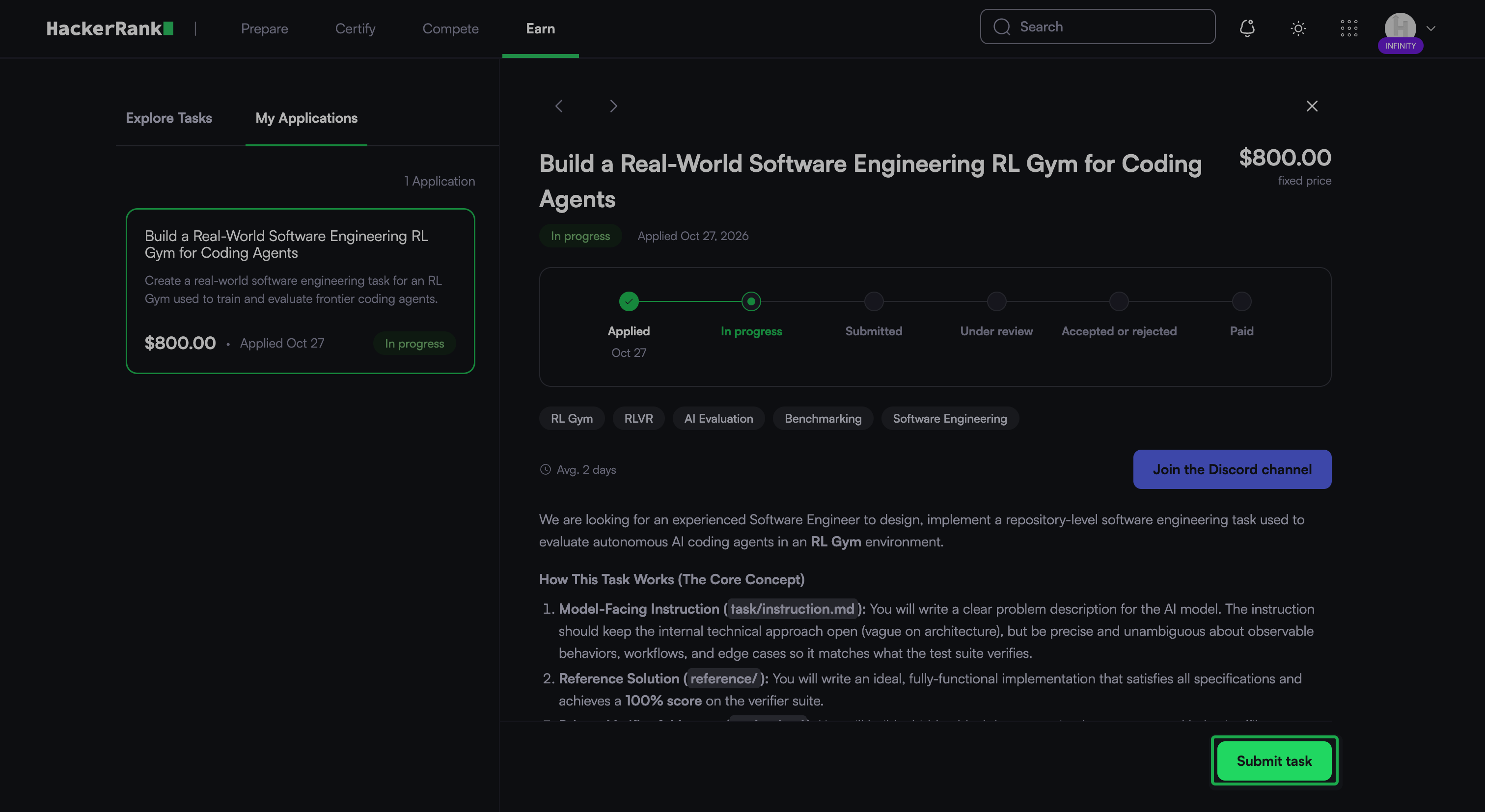
Go to the Earn > My Applications.
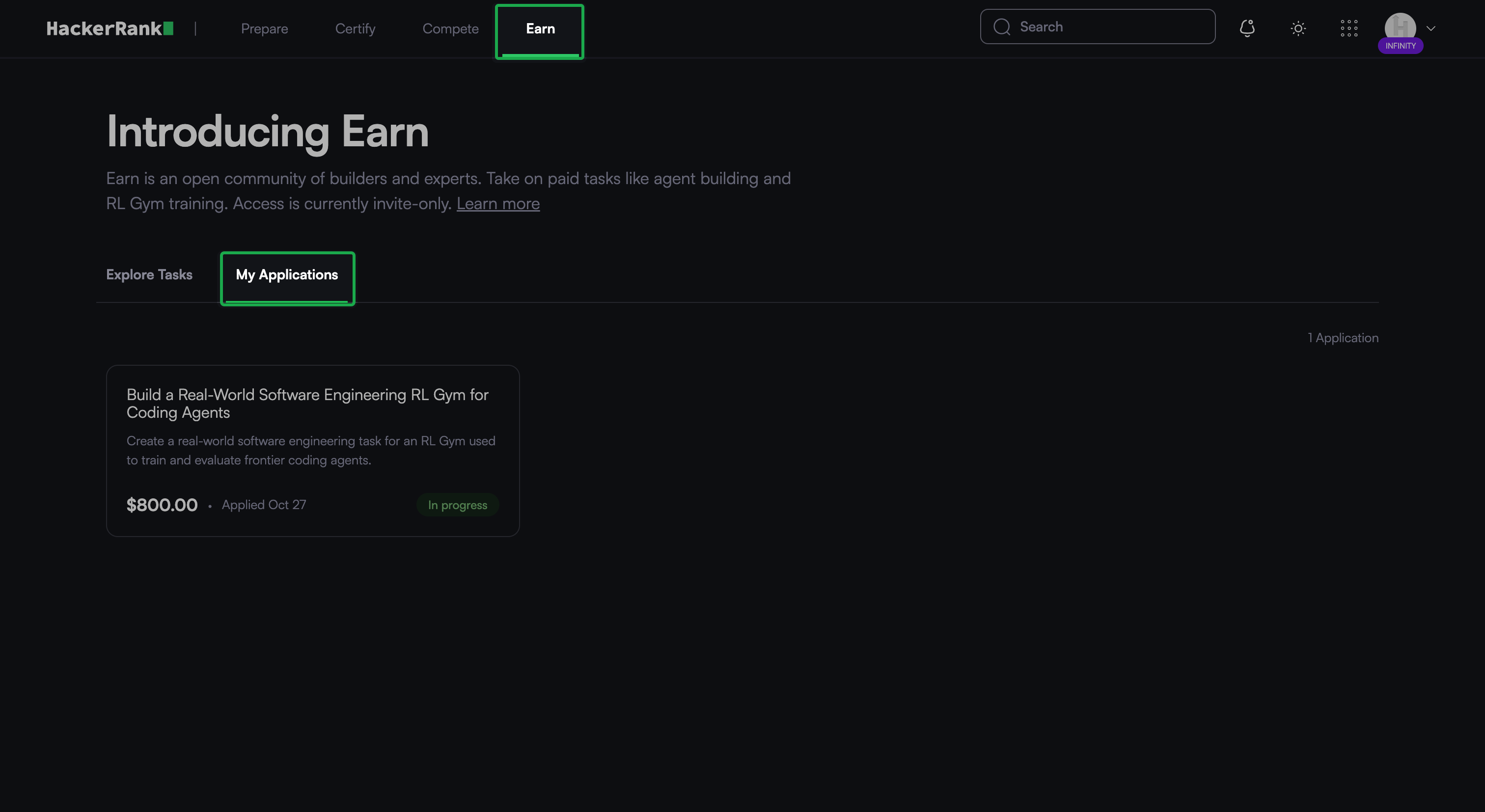
Click the application that you want to submit.
Click Submit task.
Paste the link to your completed task in the Submission link field.
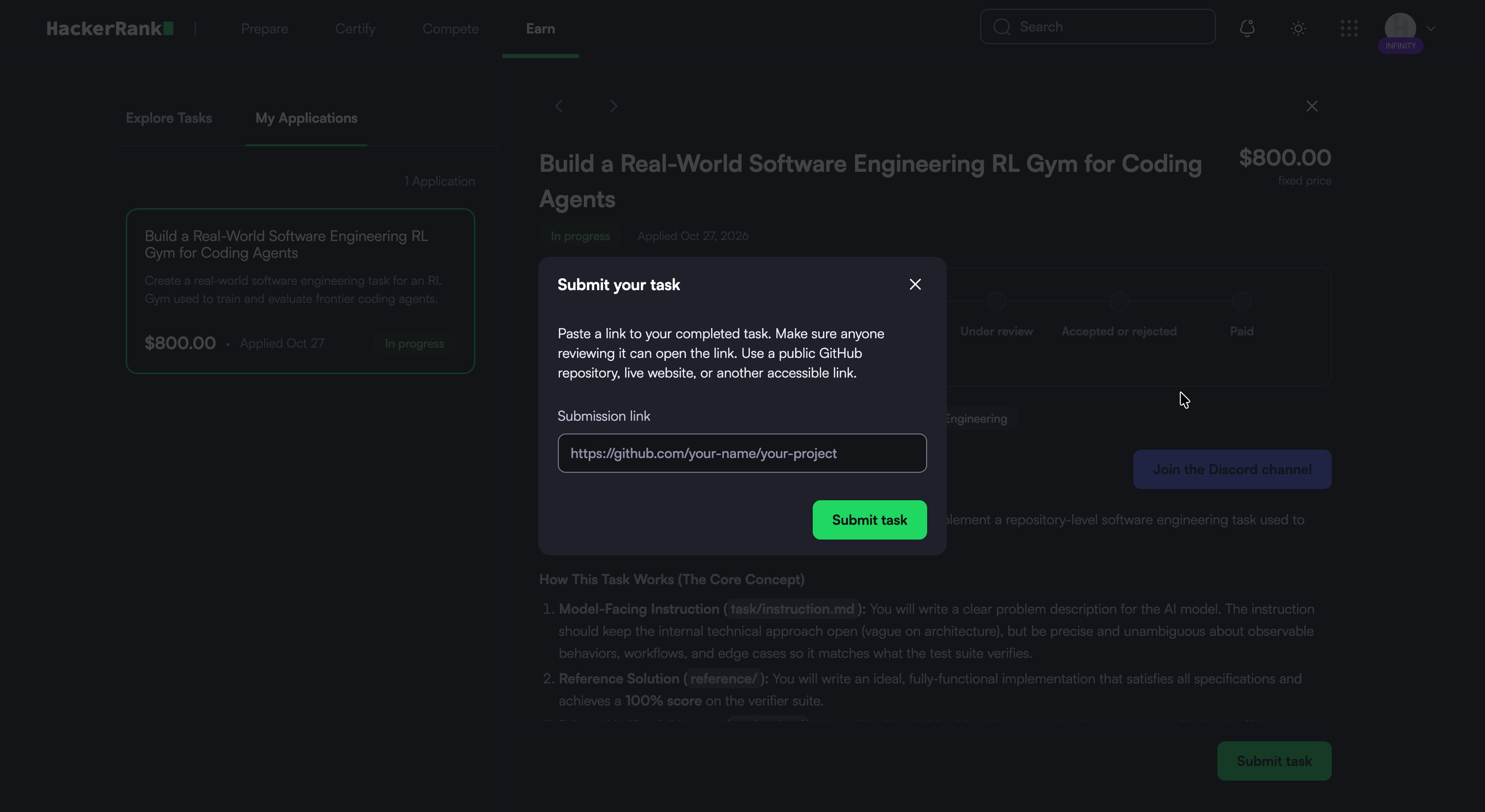
Click Submit task.
Your application status changes to Submitted.
Reviews and payments
The task owner reviews your submission in the Discord channel for the task. The following rules apply to reviews and payments:
If the task owner rejects your work, you can revise and resubmit it. A rejection does not close your application.
Every accepted submission receives payment, so multiple applicants can receive payment for the same task.
You typically receive payment through Upwork within 30 days after the task owner accepts your work.
Track your applications
The My Applications tab lists the tasks you apply for. Each application card displays the task name, description, price, application date, and current status.
To track an application:
Go to Earn > My Applications.
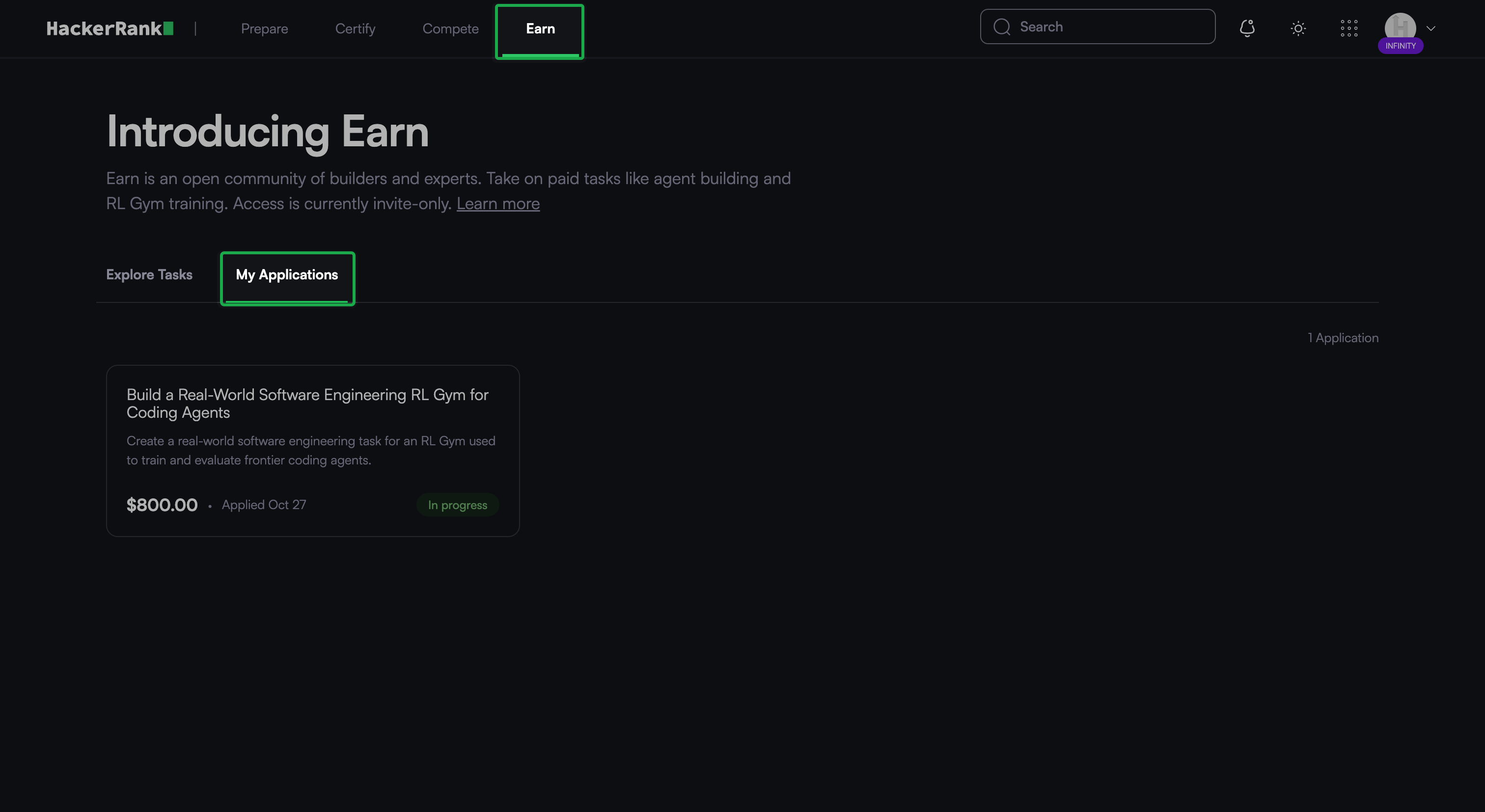
Click the application that you want to view.
Review the progress tracker to view the current status of your application.
The table below lists the statuses in the progress tracker.
Status | Description |
|---|---|
Applied | You applied for the task |
In progress | You are working on the task |
Submitted | You submitted your work |
Under review | The task owner is reviewing your work |
Accepted or rejected | The task owner accepted or rejected your work |
Paid | You received payment for your work |
Frequently Asked Questions (FAQs)
What kind of tasks are available in Earn?
Tasks include curating problems that train AI models in an RL Gym and building project-based interview challenges, such as full-stack applications.
How do I communicate with the task owner?
Use the dedicated Discord channel for your task. You get access to this channel after you apply. For more information, see Applying for a Task.
Can I apply for more than one task at a time?
Yes. You can apply for any number of tasks at a time.
Is there only one winner for each task?
No. Every accepted submission receives payment, so multiple applicants can receive payment for the same task.