Change Username
Last updated: March 24, 2025
You can change a HackerRank username up to two times. The username must be 5–16 characters long.
Changing username
To change a username:
Log in to HackerRank Community using your credentials.
Click the profile icon in the top-right corner.
Select Settings from the drop-down menu. The Settings page appears under the Account section.
In the Your Username field, type the new username (5–16 characters).
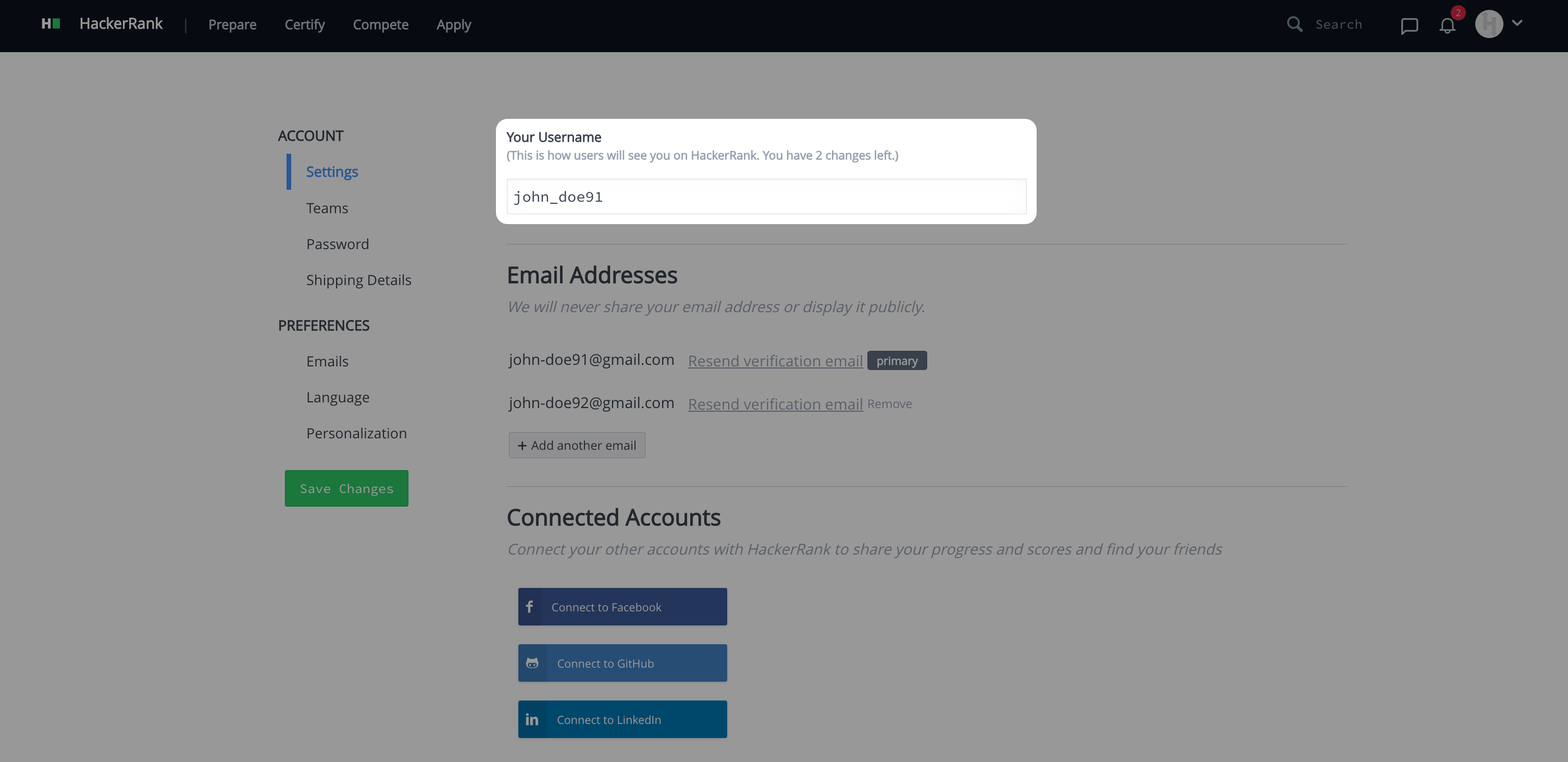
Click Save Changes.
Note:
You can see how many username changes remain beneath your username.
After you change your username twice, you cannot change it again.