Add or Delete Email Addresses
Last updated: March 24, 2025
You can add multiple email addresses to your HackerRank account and set or change your primary email address. Your primary email address is used to log in and receive communications from HackerRank.
Add a new email address
To add a new email address:
Log in to HackerRank Community using the credentials of the account you want to keep.
Click the profile icon in the top-right corner
Select Settings from the drop-down menu. The Settings page opens under the Account section.
In the Email Addresses section, click Add another email.
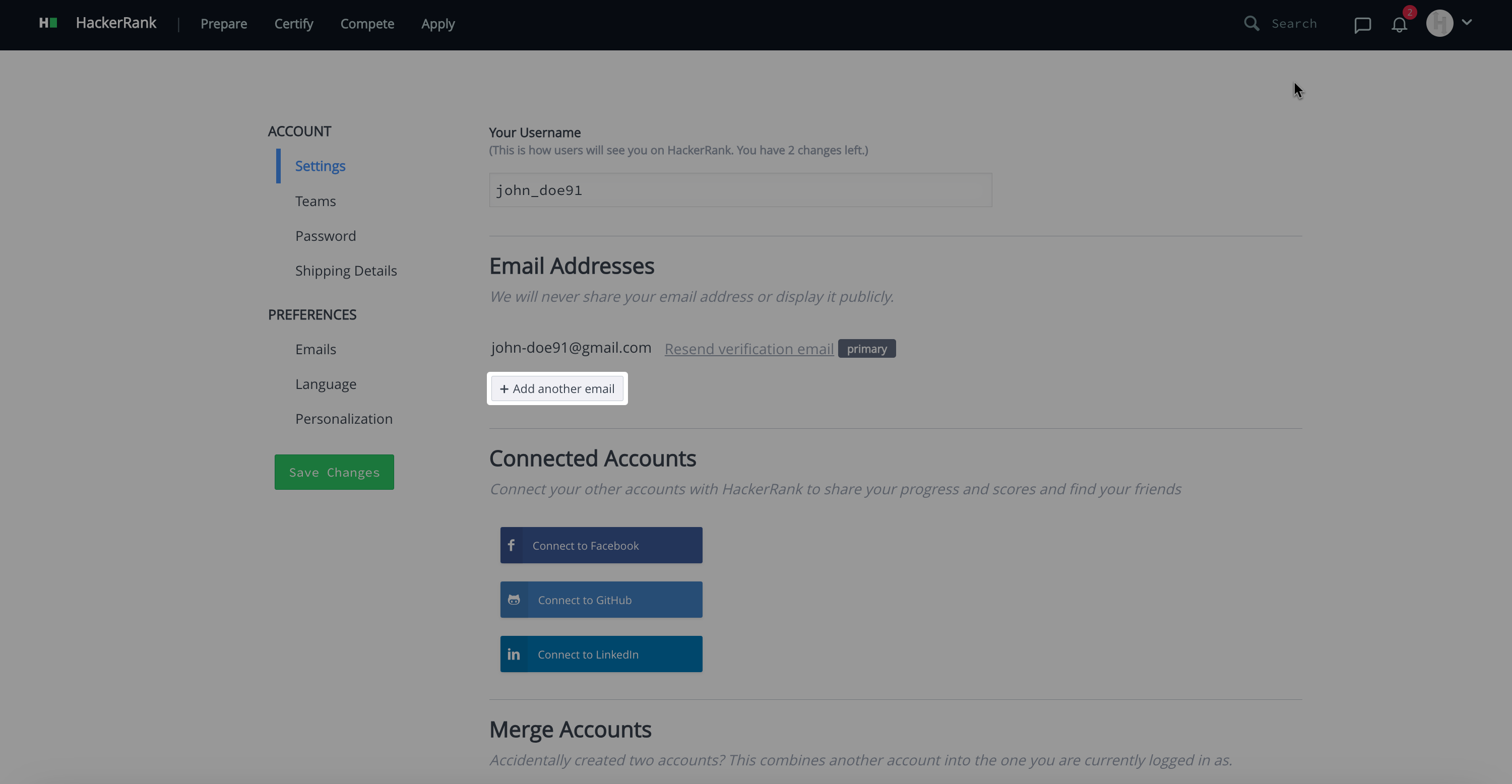
Enter the email address you want to add.
Click Add.
Verify a new email address
When you add a new email address, HackerRank automatically sends a verification link to that email. Click the verification link to verify your email.
Note: If your original email address, which was used to create your HackerRank Community account, is not verified, click the verification link in your email to complete the verification.
Change primary email address
You can change your primary email address only if both email addresses are verified.
To change the primary email address:
Select the email address you want to set as your primary email.
Click Make primary next to that email.
Delete an email address
To delete an email address:
Select the email address you want to delete.
Click Remove next to that email.