Export Account Data
Last updated: March 24, 2025
HackerRank account data includes information related to your profile, submissions, and activity on the platform. You can export your HackerRank account data in JSON format.
Exporting account data
To export your account data:
Log in to HackerRank Community website using your credentials.
Click the profile icon in the top-right corner.
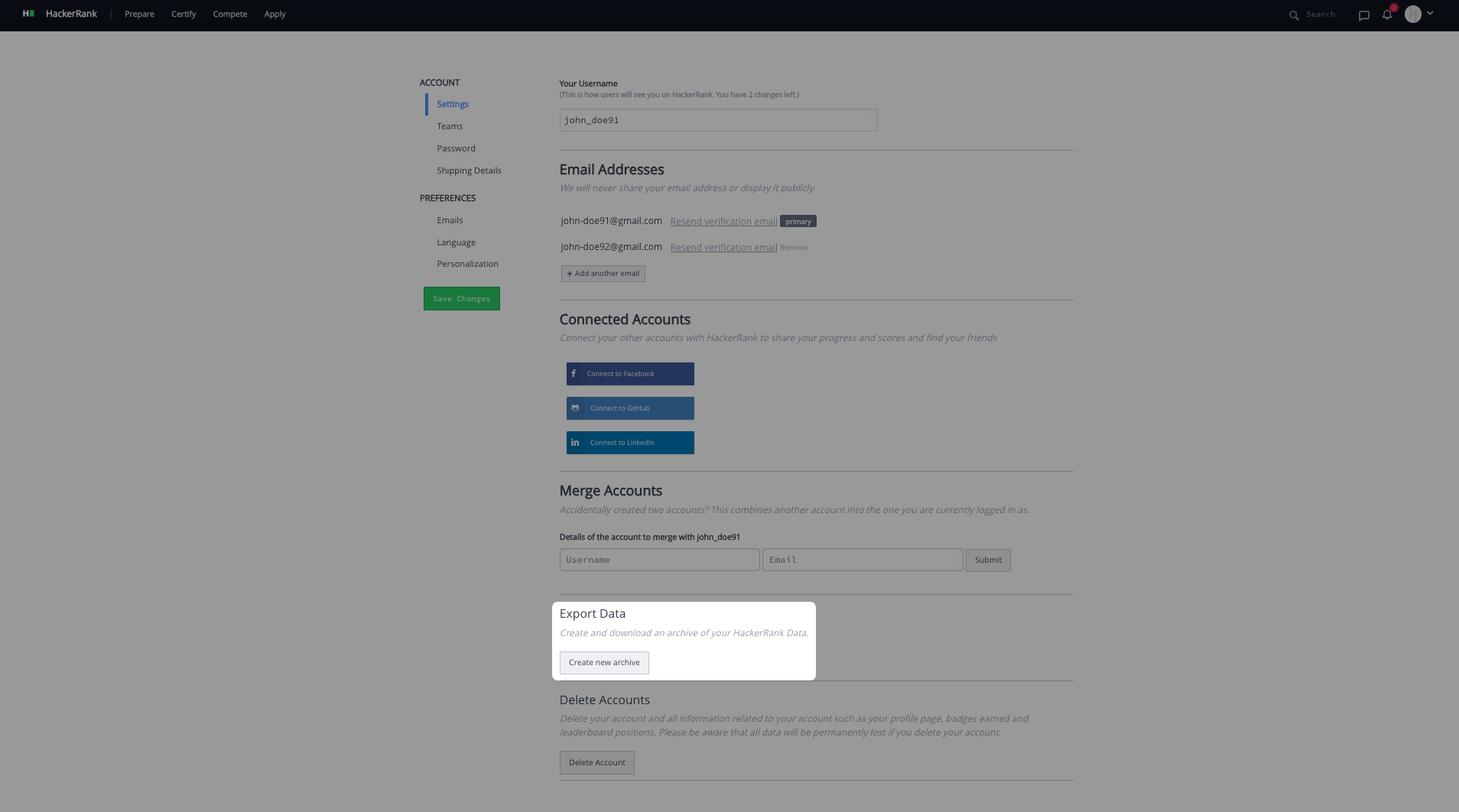
Select Settings from the drop-down menu. The Settings page appears under the Account section.
In the Export Data section, click Create new archive to generate an archive of your account data. This process may take some time.
After the archive is ready, click Download archive to download a ZIP file containing your account data.
Note:
You can generate a new archive only 24 hours after creating and downloading the previous archive.
Each archive remains valid for 7 days from the time of creation.