Create an Account
Last updated: March 24, 2025
Creating a HackerRank Community account provides access to coding challenges, certifications, mock interviews, and other resources to enhance programming skills. You can sign up using an email address or a third-party authentication service, such as Google, GitHub, LinkedIn, or Facebook.
Creating an account
To create an account:
Go to the HackerRank Community dashboard.
Click Sign Up in the top-right corner of the page.
Choose a sign-up method:
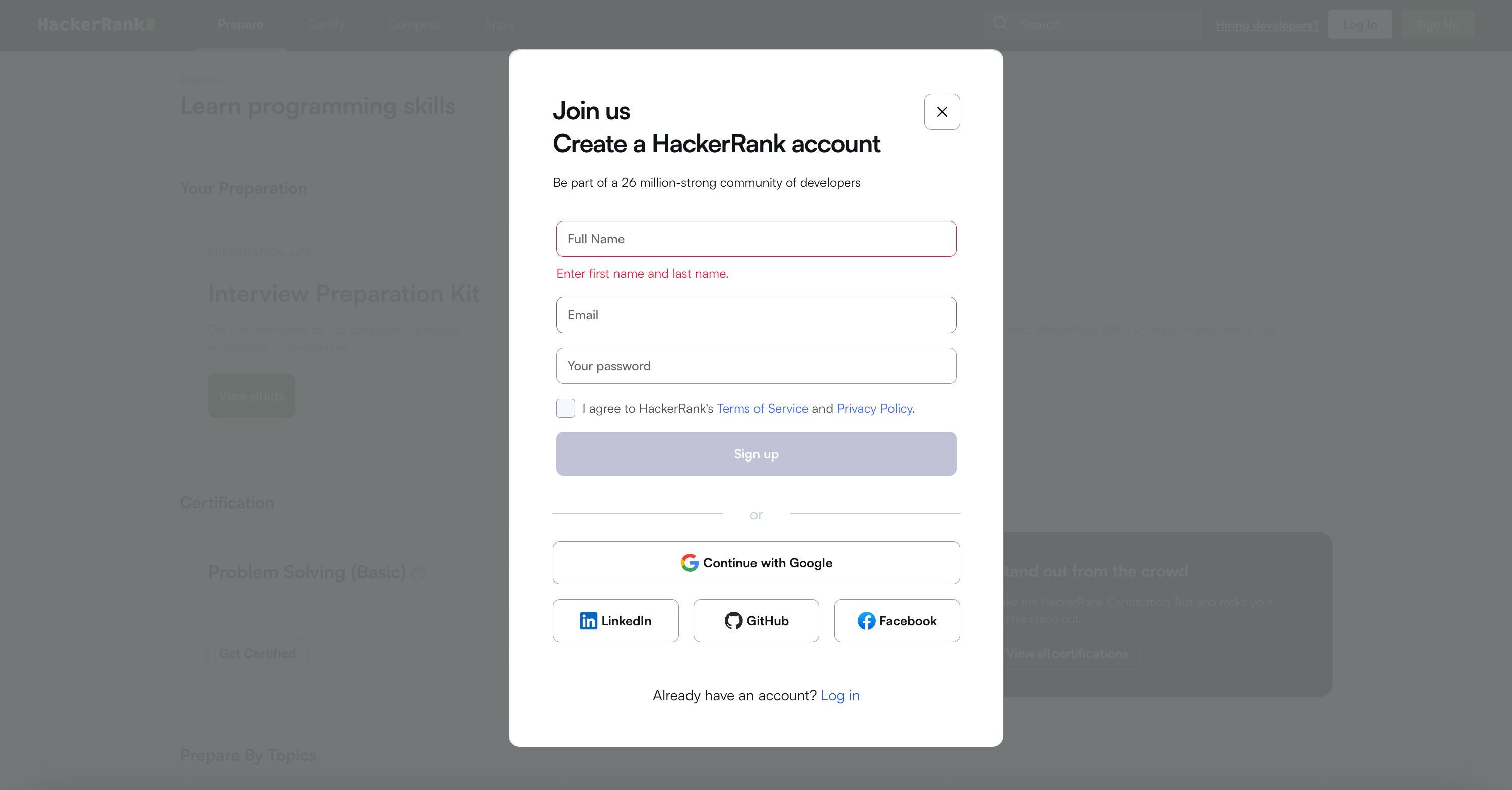
Sign up with an email address:
Enter your full name, a valid email address, and a password.
Select the checkbox to agree to HackerRank’s Terms of Service and Privacy Policy.
Click Sign Up.
Sign up using a third-party authentication service:
Click Continue with Google, GitHub, LinkedIn, or Facebook.
Follow the authentication steps for the selected service.
Complete the onboarding process by following the on-screen prompts.
Click Let’s Go to access your HackerRank dashboard.